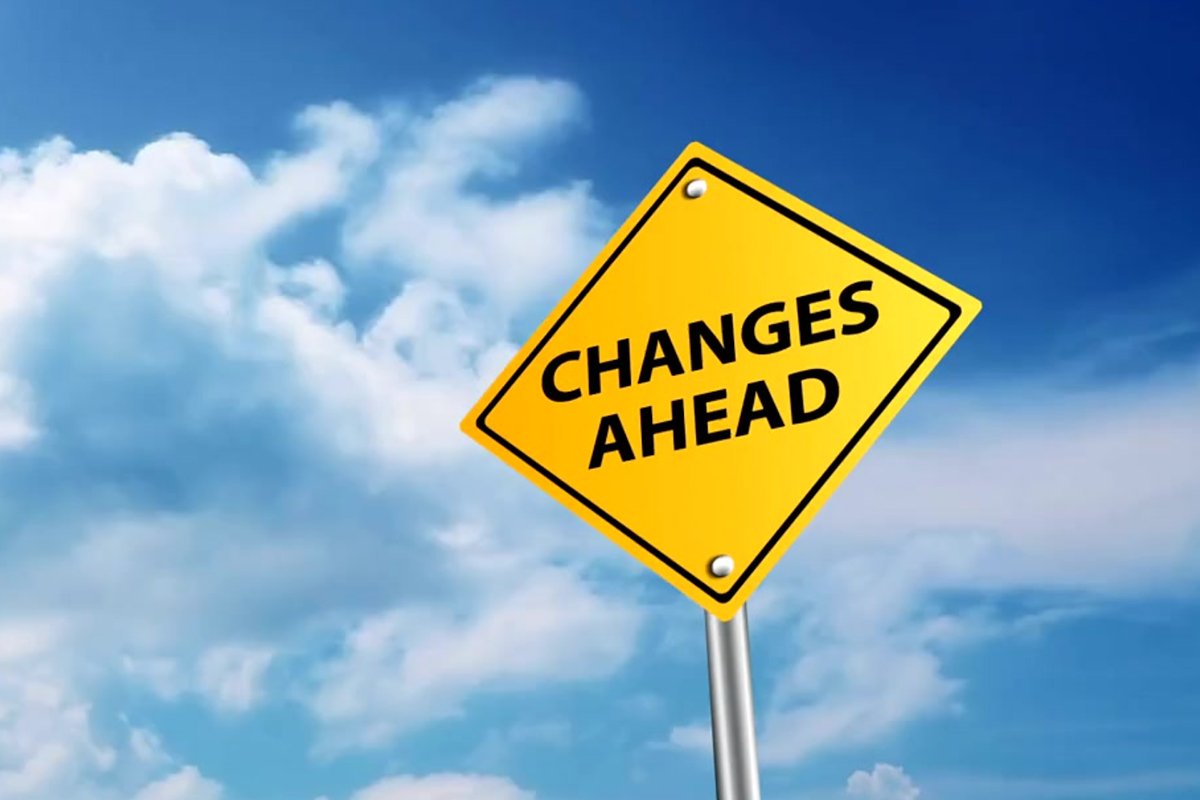
Let’s face it, shift happens in business. Departments merge, people move on, or new teams join after an acquisition. Organizational change in UKG Pro is inevitable, so what do you do when your setup doesn’t keep up?
These shifts are where systems that once worked smoothly, set up for your original company structure, can start to fail. Problems often go unnoticed until a paycheck is wrong, a benefits choice doesn’t process, or a manager can’t approve time off for their team.
At Covalence, we help organizations manage UKG Pro organizational change every day, and this post covers our best tips for keeping UKG Pro running smoothly through it. For an even deeper walkthrough, check out our webinar Shift Happens: Managing Change in UKG Pro, presented by Covalence Consulting’s UKG experts Emily Nunn and Silvia Daboin.
Why Change in UKG Pro Causes Configuration Drifts
UKG Pro is designed to match your organization as it is on day one. While it can handle a lot, it won’t update itself as your business changes.
Departments split, roles change names, and people leave, taking important knowledge with them. Each change creates a small gap between what’s in the system and what’s really happening in your organization. According to a Gartner survey, 56% of HR leaders say their HR technology doesn’t match their business needs, and this issue isn’t getting better.
When change finally becomes urgent, teams that aren’t ready often rely on spreadsheets and temporary fixes. Simple updates that should take an hour can drag on for days, and HR ends up spending more time fixing the system than helping employees.
The solution isn’t complicated. It just takes some preparation.
What actually breaks during change in UKG Pro
We’ve identified four areas that often break quietly during transitions, along with real examples from our client projects.
Payroll:
This is usually where UKG Pro organizational change shows up first. Taxes, banking, and pay groups all need to be reviewed after a change. New entities or locations mean tax settings must be checked before anyone gets paid. Bank file formats may not transfer smoothly between systems. Pay groups linked to an old structure should be updated before going live, not after.
Real-world example: A company merged an acquired business into its existing FEIN. On paper, it seemed simple: same legal entity, nothing new to set up. But details soon appeared. The acquired employees worked in a state where the parent company had never operated, so new tax accounts had to be opened before anyone could be paid. Their pay calendar was semi-monthly, while the parent’s was biweekly, so that needed to change too. Banking was the exception: since both businesses used the same corporate account, nothing needed to change there. Three categories, three different outcomes. Just because one area needs work doesn’t mean they all do.
HR data:
Timekeeping:
Downstream systems:
Communication makes or breaks the rollout
All the configuration work won’t matter if employees and managers don’t understand what’s changing. Managing the people side of UKG Pro organizational change is just as important as the technical setup.
- Test all changes in a non-production environment before going live.
- Involve stakeholders from HR, payroll, IT, and management throughout the project, not just at the end.
- Identify your internal champions early. These are the people who will answer questions on day one.
- Train managers before training the rest of the team, since they are the first to handle employee questions.
- Set up alerts, attestations, and self-service tools before going live. This way, employees can find answers themselves instead of sending many questions to HR.
- Explain the reasons for the change, not just what is changing. Employees who understand why are much less likely to raise concerns.
Get the Checklist
We created the Get Your Shift Together Checklist to guide you through taxes, banking, pay groups, job codes, benefits, timekeeping, downstream integrations, and communication planning, all in one place for your next UKG Pro organizational change.
Download the checklist here and review it before your next organizational change, not after.
The bottom line
Change is inevitable. Preparation is a choice, but it’s one you should always make.
A successful UKG Pro organizational change is more than just moving employees on an org chart. It affects payroll, HR, timekeeping, benefits, integrations, reporting, and how you communicate with your team. Align early, communicate often, and use your UKG Pro reorganization checklist regularly, not just when change is already underway.
Need help reviewing your configuration before your next change? Our team has helped clients through acquisitions, restructures, and system consolidations. Read more about how we helped Enova Power manage change in our case study here. To learn more about our UKG Pro optimization services or contact our team at info@covalenceinc.com.